

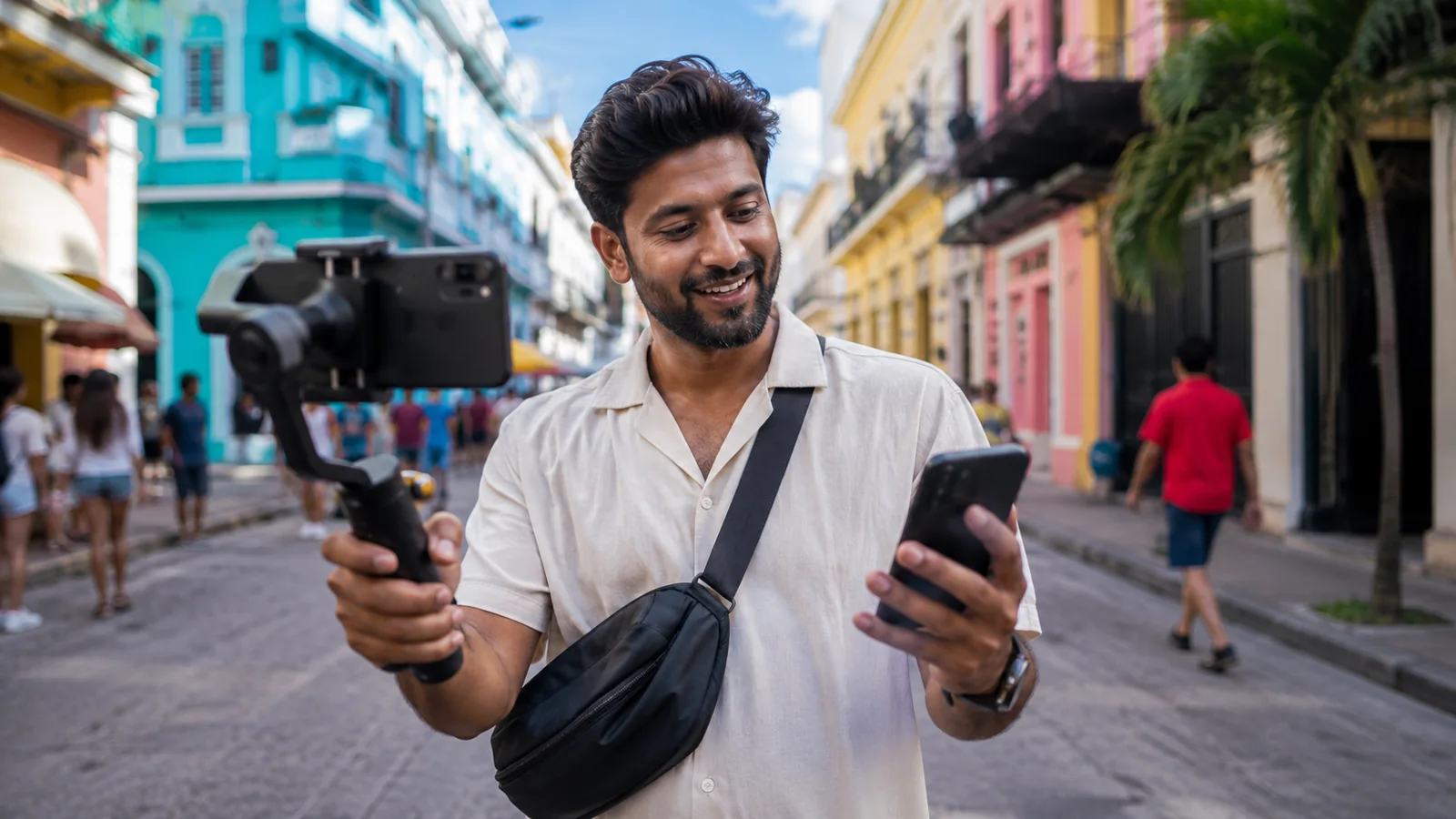
Creators use travel data differently from ordinary holiday users. A phone may be handling maps, messages and transport while also uploading reels, transferring footage, hotspotting a laptop, backing up photos and communicating with clients or collaborators.
That makes connectivity part of the production workflow rather than just a convenience.
Separate everyday use from production use
Start by identifying the days when you expect to film, edit, upload or work away from dependable Wi‑Fi. Those production days deserve more headroom than a day spent mostly sightseeing or relaxing at accommodation with a stable connection.
Large video files and automatic cloud sync can consume data quickly. If you know a major upload can wait until you reach trusted Wi‑Fi, keep the mobile allowance for the things that need to happen in real time.
Plan for the gaps between Wi‑Fi
Airports, transfers, location scouting, outdoor shoots, festivals and travel between venues are exactly where a mobile-data line can keep the workflow moving. It can support messaging, location sharing, research, approvals and urgent publishing when the nearest Wi‑Fi is unreliable or unavailable.
Hotspotting changes the estimate
A laptop can use much more data than a phone because desktop applications may synchronise files, update in the background or load higher-resolution media. Before tethering, pause unnecessary cloud backups and software updates. Check whether the travel plan you are considering supports hotspot use.
Control the background traffic
- Pause automatic photo and video backup when mobile data is limited.
- Download music, reference material and maps before the shoot.
- Review social-app upload quality and autoplay settings.
- Use trusted Wi‑Fi for the largest transfers when timing allows.
- Keep enough allowance reserved for navigation, communication and publishing after the upload.
Think about battery and storage too
A strong data plan does not help if the phone is out of power or storage. Long camera sessions, hotspotting and weak-signal conditions can increase battery use. Carry the charging equipment you need and keep enough local storage available so production does not depend on an immediate cloud upload.
Build continuity into the production day
The best creator setup is not about staying online every second. It is about having a dependable bridge between Wi‑Fi connections so the production does not stop when you leave the hotel, venue or café.
Use the Nomadic data calculator as a starting point, and compare the current opciones globales de la eSIM for the destinations in your itinerary.
Protect the communication budget
Do not let one large upload consume the allowance you still need for the rest of the production day. Keep a reserve for maps, messages, client approvals, transport and emergencies. If a large transfer is not time-sensitive, delay it until you reach trusted Wi‑Fi and keep mobile data available for the work that cannot wait.
Multi-country creators should plan the whole itinerary
If the assignment crosses borders, compare regional or global coverage with buying separate country plans. The simplest plan is the one that keeps the workflow connected across the places where you will actually shoot and travel.